Questions
If yours is not here, write to us and we will answer.
Which storage services does BucketBay work with?
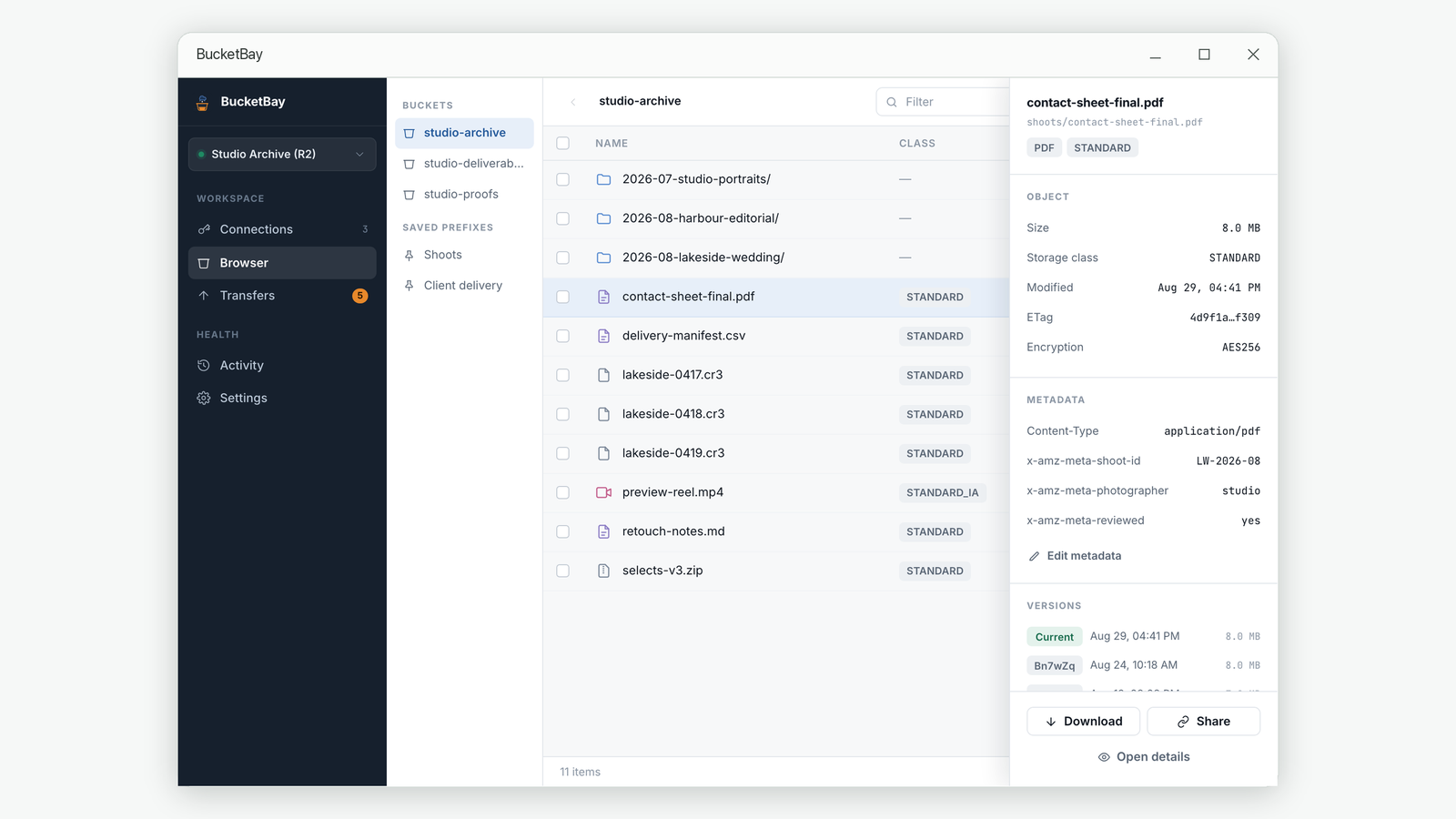
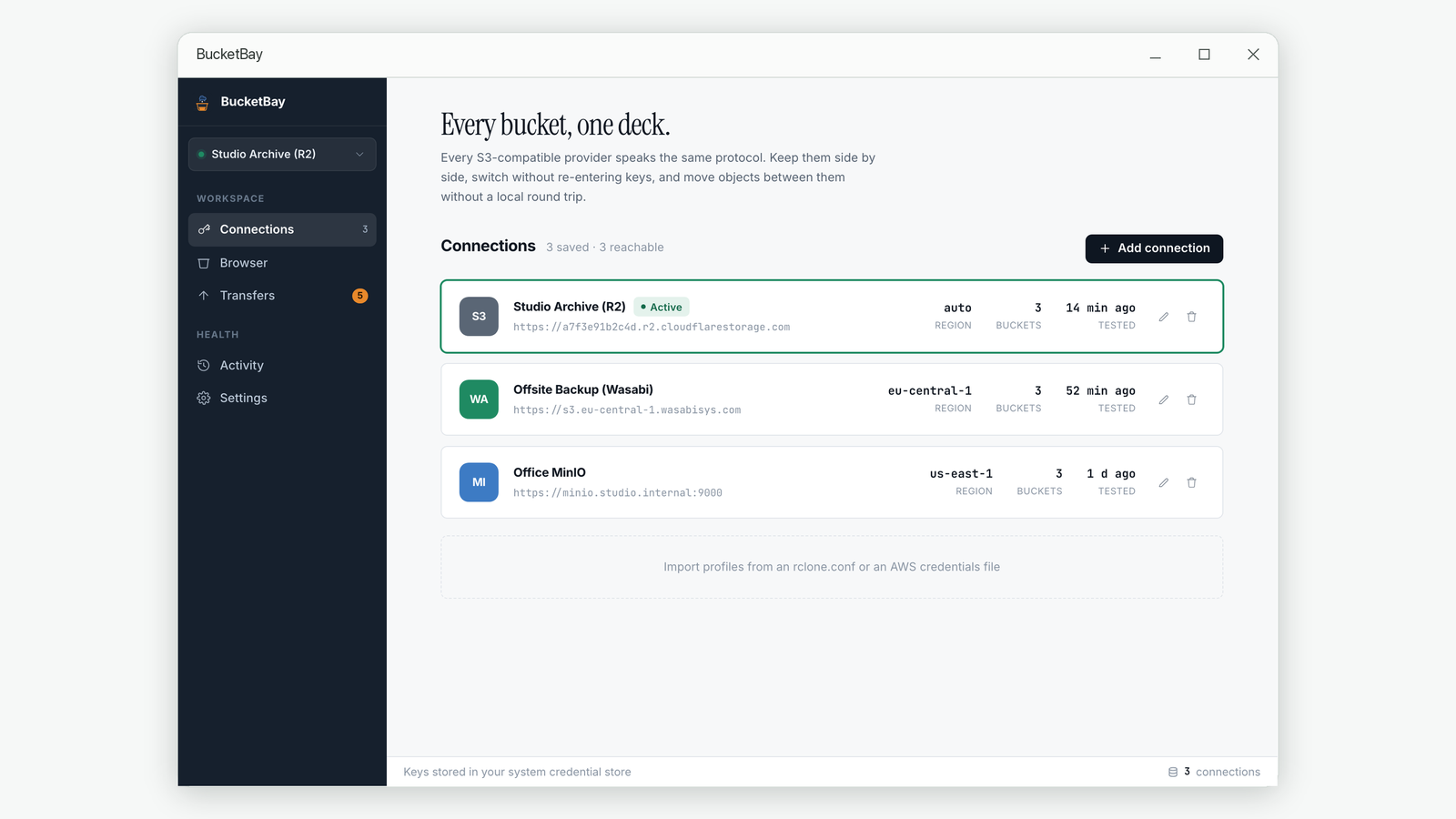
Any service that speaks the S3 protocol. Presets are included for Amazon S3, Cloudflare R2, MinIO, Backblaze B2 and Wasabi, and you can enter a custom endpoint for anything else, including a server on your own network.
Do I need a BucketBay account?
No. There is no account, no sign-in and no BucketBay server. The app connects directly to the storage endpoints you configure and to nothing else.
Where are my access keys stored?
Secret keys never go into the application database. They are stored in your operating system's credential store when one is reachable, and otherwise encrypted on your own machine with a key that also stays there. Nothing is uploaded.
Are my files uploaded anywhere else?
No. Files move between your computer and the storage endpoint you chose. BucketBay collects no telemetry and sends no analytics.
What happens if a large upload fails halfway?
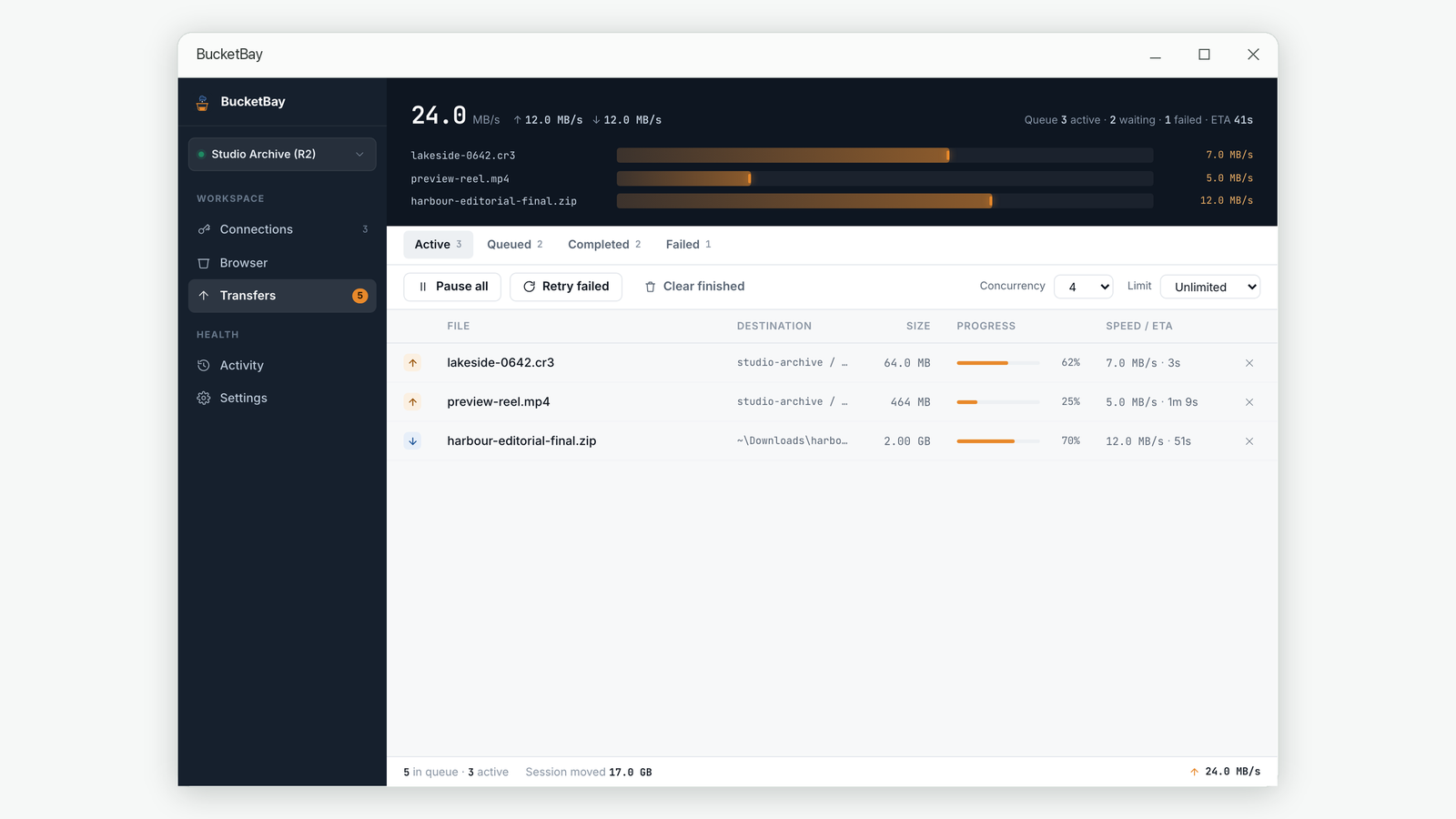
Uploads above the multipart threshold keep their part progress, so retrying continues from the part that failed instead of re-sending the whole file. Downloads resume the same way, and a partial download is never mistaken for a finished file.
Can I upload a whole folder?
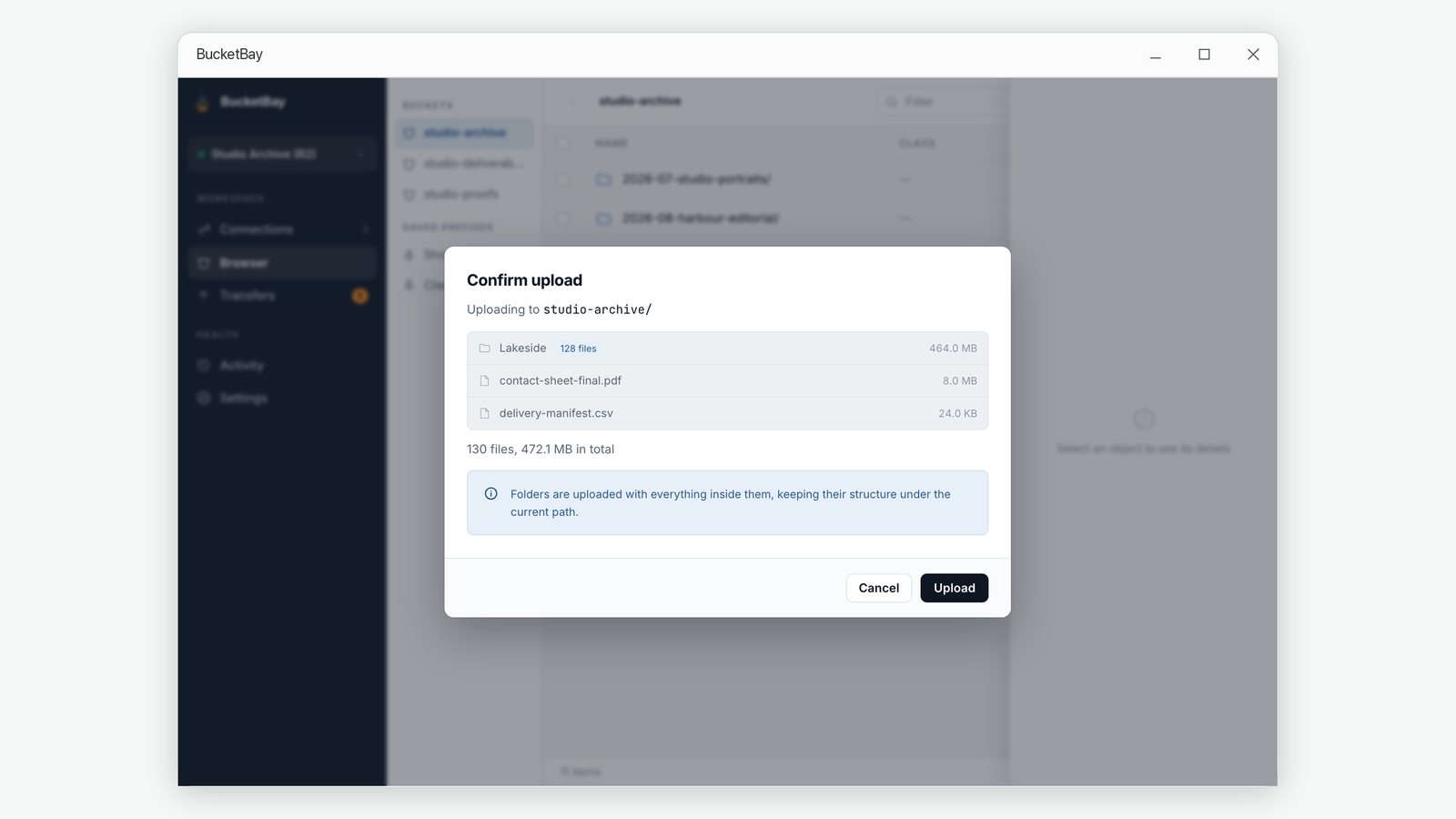
Yes. Choose a folder from the picker or drag it onto the window, and everything inside it is uploaded with its structure intact under the path you are viewing. You see the file count and total size before anything is queued.
Why can I not see all my buckets?
Some providers issue access keys that are limited to a single bucket. Such a key cannot list the others, which is expected rather than a fault — name that bucket on the connection and BucketBay opens it directly.
What is a public link, and why do I have to type it in?
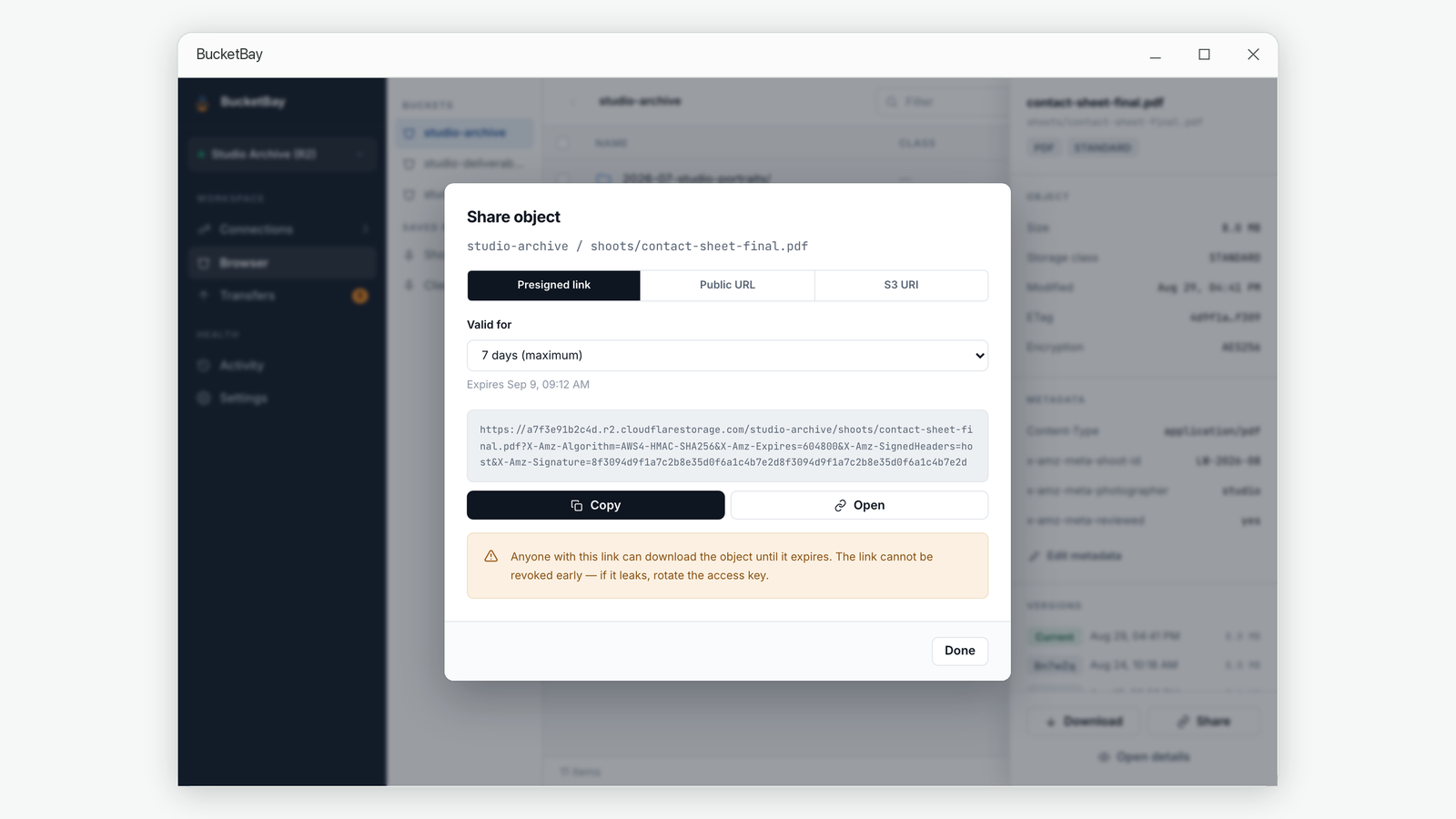
It is the address a bucket is served at when you have made it publicly readable. The S3 protocol has no way to report that address, and every provider forms it differently, so BucketBay cannot discover it. Paste it once per bucket and it is remembered.
How long can a share link last?
Up to seven days. That is a limit of the S3 signature format itself, not a BucketBay restriction, so the app clamps longer requests and tells you when it has.
What do I need to run it?
Windows 10 version 1809 or newer on a 64-bit machine. BucketBay is available in English, Simplified and Traditional Chinese, Japanese, Korean, French, German, Spanish and Italian.