Connecting Cloudflare R2 to an S3 desktop client
R2 speaks the S3 protocol, so any S3 client can use it — once you get the endpoint right. Here is each field, and what the 403 that looks like a broken key really means.
Cloudflare R2 speaks the S3 protocol, which means any S3 client can talk to it — once you give it four pieces of information in the right shape. Three of them are easy. The fourth, the endpoint, is where most people get stuck, and there is a 403 error further along that looks like a broken key but is not.
This walks through the whole thing, including what to do when the connection test fails.
What you need before you start
Four values. Collect all four before opening your client:
| Value | Where it comes from |
|---|---|
| Endpoint URL | Built from your Cloudflare account ID |
| Access Key ID | Shown when you create an R2 API token |
| Secret Access Key | Shown once, at token creation |
| Region | Always auto for R2 |
Step 1: create an API token
In the Cloudflare dashboard, go to R2 → API → Manage API Tokens, and create a token. Two choices matter here.
Permission. Object Read only if the client just needs to download and browse. Object Read & Write if it will upload or delete. Do not reach for admin permissions — a client that manages objects does not need to create or destroy buckets.
Scope. You can allow the token to reach every bucket in the account, or restrict it to specific buckets. Restricting is the better habit, and it has a consequence covered below that catches people out.
The secret is shown once. When the token is created, Cloudflare displays the secret access key a single time. Copy it before closing the dialog. There is no way to retrieve it afterwards — if you lose it, you delete the token and make a new one.
Step 2: build the endpoint URL
This is the step that trips people up, because the value you need is not labelled "endpoint" in an obvious place. The form is:
https://<your-account-id>.r2.cloudflarestorage.com
Your account ID is the 32-character hexadecimal string visible on the R2 overview page
(and in your dashboard URL). So a complete endpoint looks like
https://ae58c4ef843fd8730cfaa2d0fd8904a5.r2.cloudflarestorage.com.
Three things people get wrong here:
- Do not append the bucket name. The endpoint is the account's address. The bucket is specified separately.
- Do not use the public
r2.devaddress. That is the read-only public URL for a bucket you have made public. It is not an API endpoint and will not authenticate. - Keep the
https://. Some clients accept a bare hostname, many do not.
Step 3: fill in the client
With the four values in hand, the connection settings are straightforward:
- Endpoint URL — the address from step 2.
- Region —
auto. R2 has no regions in the S3 sense and ignores this field, but the S3 protocol requires something in it, and signing fails if it is blank. - Access Key ID and Secret Access Key — from step 1.
- Addressing style — path-style. This one matters.
S3 clients can address a bucket either as
bucket.endpoint.com(virtual-hosted) orendpoint.com/bucket(path). R2 expects path-style, and virtual-hosted requests will fail to resolve.
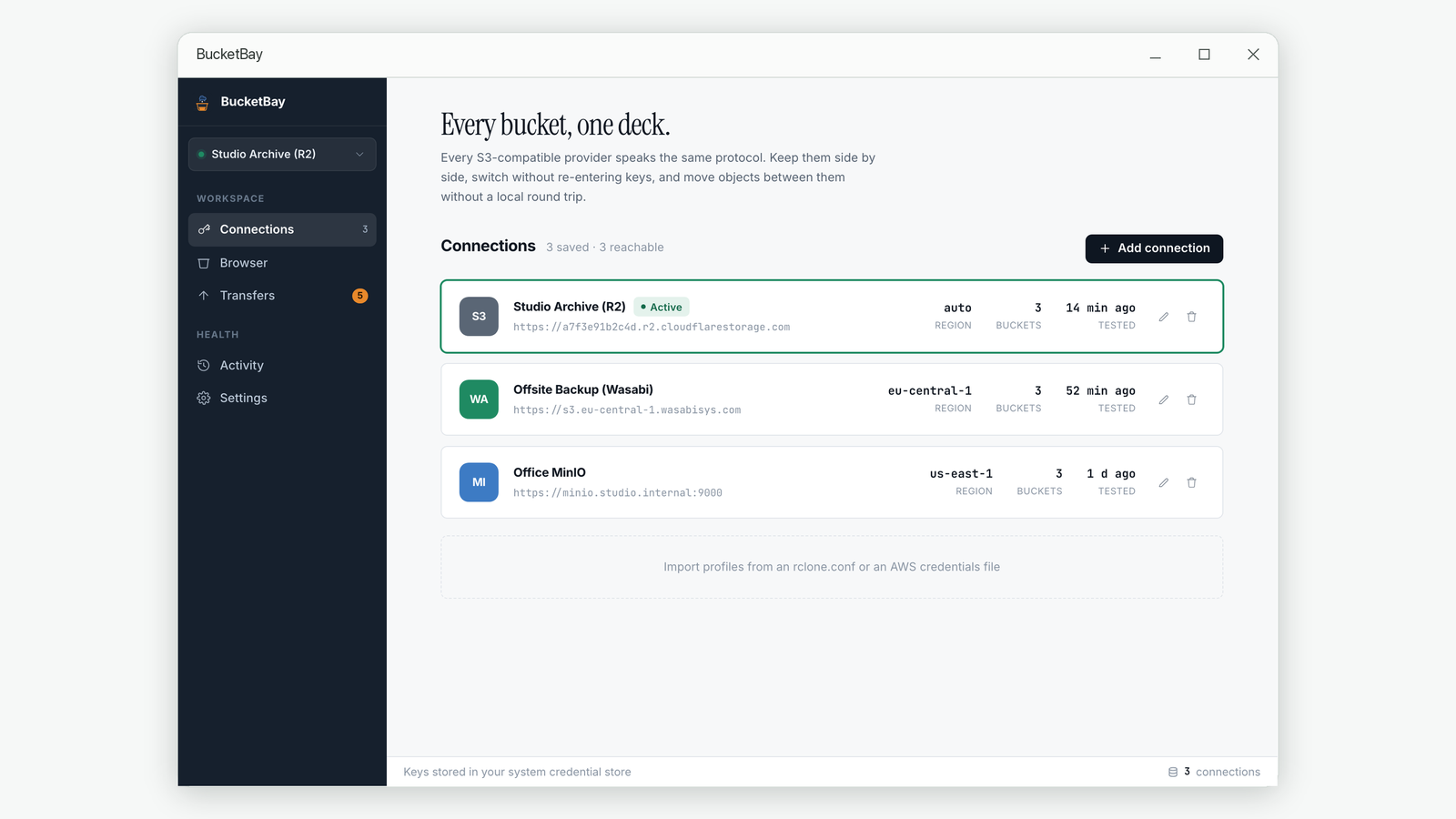
When the test fails: reading the error
A good client tests the connection in stages, which makes the failure point obvious. Here is what each failure actually means.
The hostname does not resolve
The account ID in the endpoint is wrong, or there is a typo. Compare it character by character against the dashboard.
InvalidAccessKeyId
The access key ID is not recognised. Usually a copy-paste that grabbed a trailing space, or a token that has since been deleted.
SignatureDoesNotMatch
The secret does not match the key ID. Also what you get if the region field is empty
— put auto in it.
AccessDenied on ListBuckets — the one that looks worse than it is
This is the error worth understanding, because it reads like a broken credential and is not one.
If you scoped the token to specific buckets in step 1, that token cannot list buckets. Listing is an account-level operation, and a bucket-scoped token has no account-level permission. So the client asks "what buckets are here?", gets a 403, and may report the whole connection as failed.
A 403 proves the signature worked. The server had to authenticate
your request before it could decide to refuse it. If your credentials were wrong you
would get InvalidAccessKeyId or SignatureDoesNotMatch instead.
AccessDenied means "I know who you are, and you may not do this" — which,
for a bucket-scoped token asking to list buckets, is exactly correct behaviour.
The fix is to tell the client which bucket to open, usually a "default bucket" field on the connection. With that filled in, the client goes straight to the bucket it is allowed to touch and everything works normally — browsing, uploading, downloading and sharing all operate at the object level, which the token permits.
If your client offers no such field and insists on listing, you have two options: widen the token to cover all buckets in the account, or use a client that handles scoped tokens. Widening a token to work around a client limitation is the worse trade.
Two R2 details that differ from S3
Storage classes barely apply
R2 has Standard and Infrequent Access, and that is it. The S3 class names — Glacier, Deep Archive, Intelligent-Tiering — do not exist here. If your client shows the full S3 list, most of those options will simply be rejected.
Public access is a separate, deliberate step
Making an R2 bucket readable on the web is done in the dashboard, not through the S3
API. Cloudflare then gives you a pub-<random>.r2.dev address or lets you
attach a custom domain. That address cannot be discovered through the API — no S3 call
reports it — so any tool that offers to copy public links has to be given it once.
A working checklist
- Token created with Object Read or Object Read & Write, not admin.
- Secret copied before closing the creation dialog.
- Endpoint is
https://<account-id>.r2.cloudflarestorage.comwith no bucket appended. - Region set to
auto, not left blank. - Addressing style set to path-style.
- If the token is bucket-scoped, the bucket name is filled into the client's default-bucket field.
Common questions
What is my Cloudflare account ID?
A 32-character hexadecimal string shown on the R2 overview page in the dashboard, and visible in the dashboard URL. It is the only variable part of the R2 endpoint address.
Why does my R2 connection fail with AccessDenied on ListBuckets?
Because the API token is scoped to specific buckets, and listing buckets is an account-level operation such a token cannot perform. The credentials are fine — a 403 means the server authenticated you and then refused this particular call. Name the bucket in the client's default-bucket setting and it will open directly.
Should the region be auto or blank?
Always auto. R2 ignores the value, but the S3 signing process requires a non-empty region, so leaving it blank produces SignatureDoesNotMatch.
Path-style or virtual-hosted addressing for R2?
Path-style. Virtual-hosted requests, which put the bucket name in the hostname, will not resolve against the R2 endpoint.
Can I recover a lost R2 secret access key?
No. Cloudflare shows it only at creation. Delete the token and create a new one, then update any client using it.
Related guides
- How to share a file from cloud storage without giving away your keys
- Why large uploads to cloud storage fail, and how resuming actually works
About BucketBay. BucketBay is a desktop app for S3-compatible object storage — Amazon S3, Cloudflare R2, MinIO, Backblaze B2, Wasabi and anything else that speaks the protocol. It does the things described above without a browser tab or a command line. View it in the Microsoft Store.